MULTI
BOOT
.GUIDE
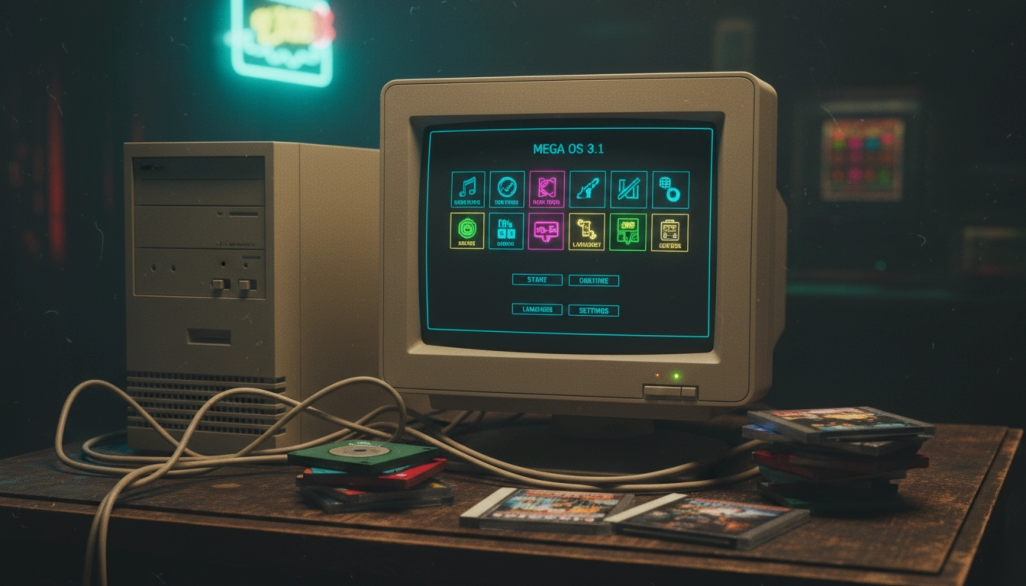
Machine 1
MS-DOS 6.22 · Windows 3.1 · Windows 98 SE
A classic triple-boot setup on vintage hardware from the 1990s. This guide walks you through
partitioning a hard drive, installing MS-DOS as the foundation, adding Windows 3.1 on top, and
setting up Windows 98 SE on its own partition — all managed by a simple boot menu.
CPU:
Pentium II / III
RAM:
64–256 MB
HDD:
10–40 GB IDE
GPU:
Voodoo / S3 Trio
Media:
Floppy + CD-ROM
Operating Systems
Click each OS below to download the operating system, additional software, setup guide, and resources.
guide, downloads, and resources.








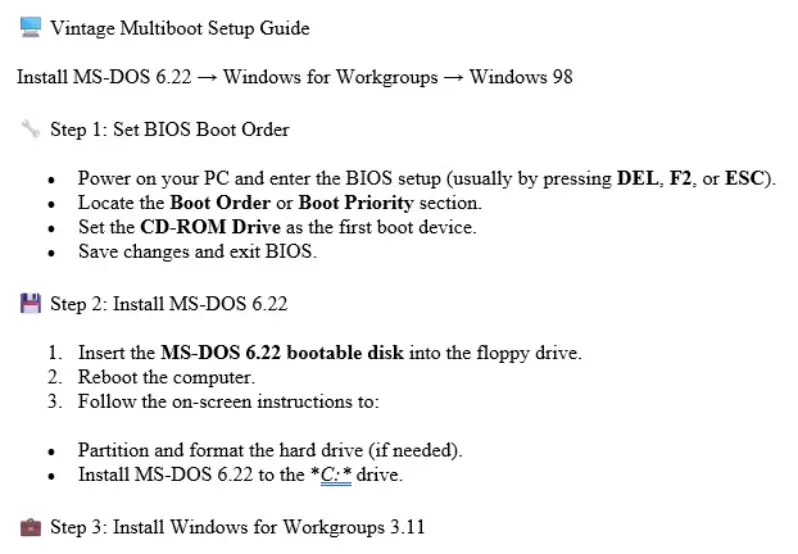
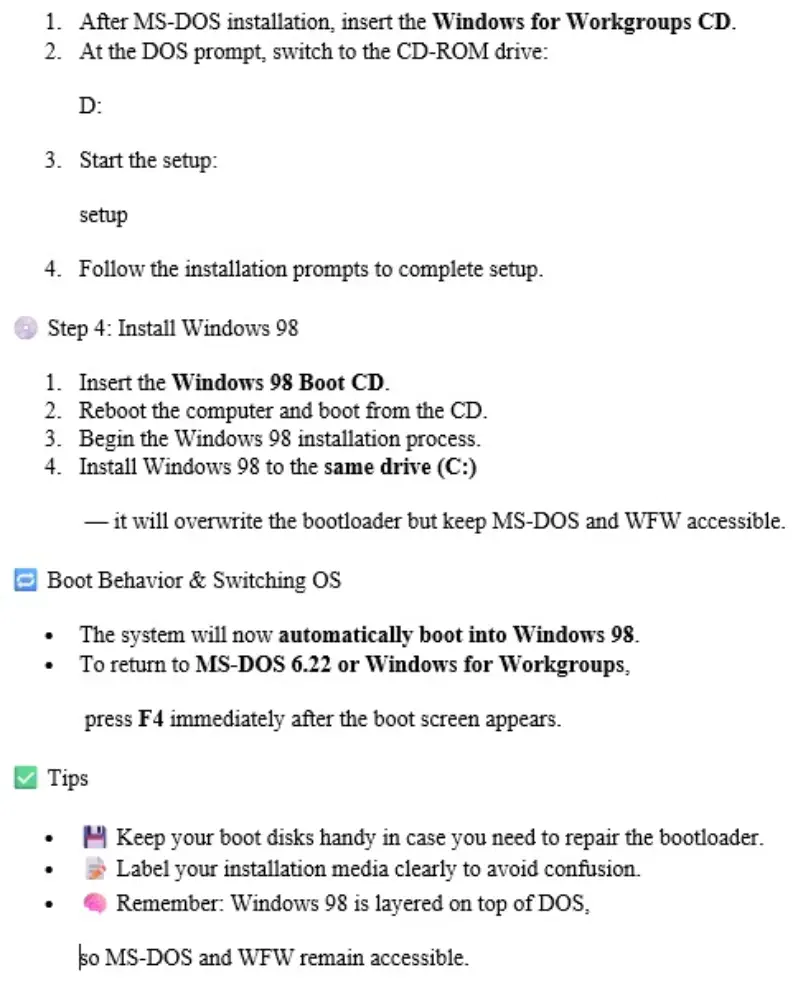
Operating Systems
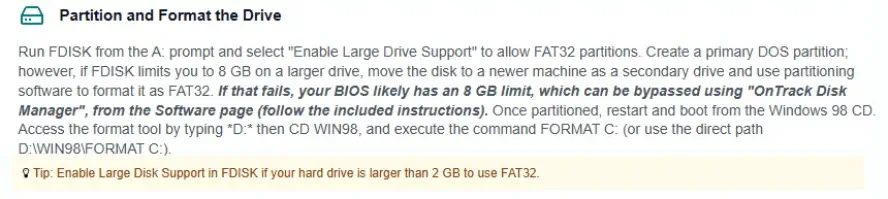
Partitioning and formatting for Windows 98
(seconds) in the same file.
BootDelay=5
Boot Menu Tips
• You can adjust the timeout with
MSDOS.SYS
SYS C:
WIN
BootMulti=1
• If the boot menu disappears, you may need to use
file on C:\. Set
to enable it.
• To boot Windows 3.1, choose "Previous version of MS-DOS" at the menu, then type
• The boot menu is controlled by the
at the prompt.
from a DOS boot disk to restore it.
MULTI
BOOT
A passion project for vintage computing enthusiasts. Not affiliated with Microsoft.
.GUIDE @ 2026