BOOT
MULTI
.GUIDE
VINTAGE MULTI-BOOT GUIDE
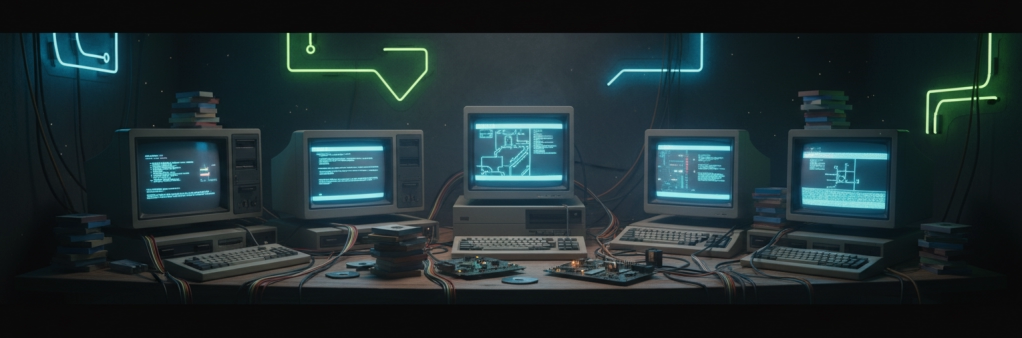
Boot Into
The Past
Complete guides for setting up multi-boot vintage PCs — from MS-DOS to Windows 8.
Includes step-by-step instructions, software downloads, manuals, and community links.
Choose Your Machine
Two builds, seven operating systems, one guide each.
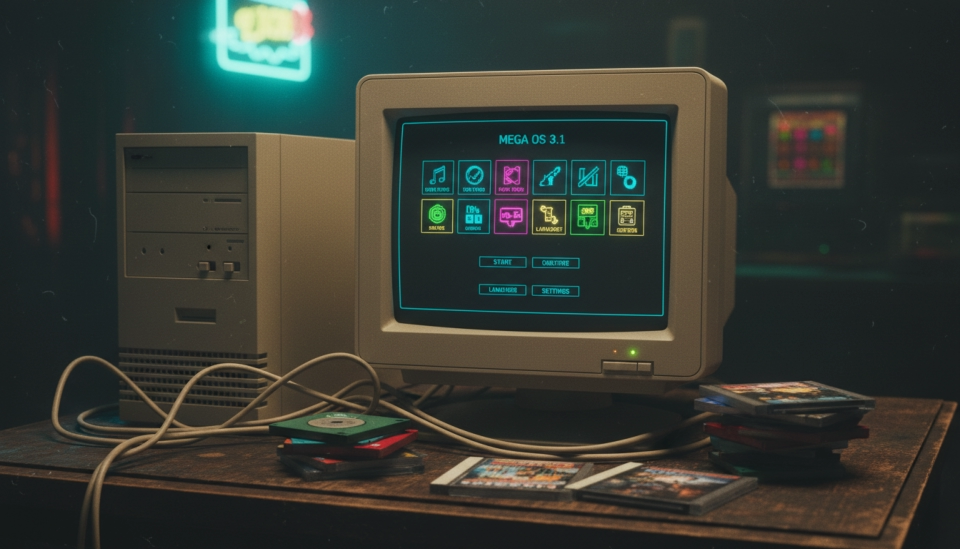
Machine 1
The 1990s Retro Rig
MS-DOS 6.22
Windows 3.11
Windows 98 SE
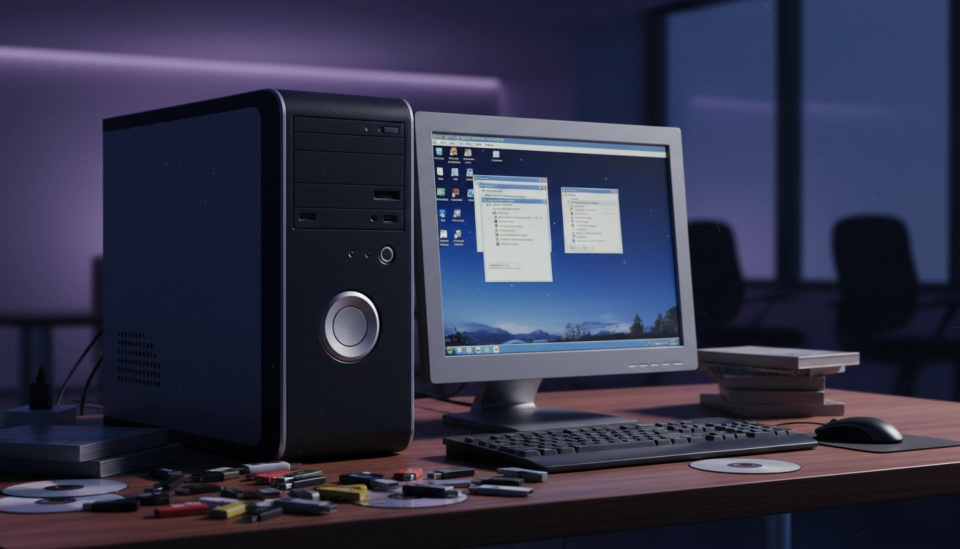
Machine 2
The 2000s Workhorse
Windows XP
Windows Vista
Windows 7
Windows 8.1
MULTI
BOOT
A passion project for vintage computing enthusiasts. Not affiliated with Microsoft.
.GUIDE @ 2026








Before You Begin
Always install the oldest operating system first. Newer Windows versions detect and add older installations to the boot menu
automatically.
Partitioning and formatting will erase data. Make sure any important files are backed up to external media before starting.
Download all necessary drivers beforehand and burn them to a CD or put them on a USB drive. Vintage systems often can't
download drivers on their own.
This is very important if you want all the operating systems to run correctly..
Install Order Matters
Back Up Everything
Have Drivers Ready
Choose Machines That Have Hardware with Drivers That Will Work With All The Operating Systems